How to Reduce Claude Code Token Usage and Get More From Every Session
Eight practical changes to your Claude Code settings and workflow that reduce token waste per session. Tested on Pro and Max plans after Anthropic's March 2026 usage limit changes.

Larry Maguire
6 April 2026
Anthropic's March 2026 changes to Pro and Max plan limits caught most Claude Code users off guard. Peak-hour multipliers, sessions burning faster than expected, and usage meters that jump without explanation. The community discussion around these changes helped inform some of the approaches below. I spent two sessions tearing through my own workspace configuration to squeeze more out of every conversation, and the eight changes below are what actually made a difference.
If you're hitting your session limits before you've finished your work, these are the settings and structural changes that will extend your runway. None of them reduce capability. All of them reduce waste.
1. Cap Extended Thinking With MAX_THINKING_TOKENS
Claude's extended thinking feature lets the model reason through complex problems before responding, but it burns tokens invisibly. You never see the thinking output, yet it counts against your session usage. By default, there is no cap on how many tokens Claude can spend thinking through a single response, which means a complex request can consume a disproportionate share of your session allowance without you realising it.
Add this to your .claude/settings.json under the env key:
"env": {
  "MAX_THINKING_TOKENS": "10000"
}
Ten thousand tokens is enough for the model to reason through most tasks without constraint. The only scenario where you might want more is deeply complex architectural planning or multi-step code generation, and even then, you can raise the limit for a specific session rather than leaving it uncapped permanently.
This was the single highest-impact change I made. No reduction in output quality, but a measurable reduction in token consumption per response.
Want Claude to apply these settings for you? I've put together an instruction file you can drop straight into your Claude Code conversation. Claude reads the instructions and applies every change to your workspace automatically. Download it free from the Resource Hub — it's in the Token Optimisation pack.
2. Create a .claudeignore File
Claude Code indexes your workspace to understand the codebase, and it does this on every session start and periodically during the conversation. If your workspace contains large binary files, database files, build artefacts, or dependency folders, the indexing process wastes tokens on content that Claude cannot meaningfully read.
Create a .claudeignore file in your workspace root:
node_modules/
dist/
build/
*.lock
__pycache__/
.git/
*.db
*.sqlite
Add any large directories specific to your workspace. In my case, I also exclude .prima-memory/ because it contains a 25MB SQLite database that Claude's file indexing has no use for. The MCP server that reads that database operates independently of Claude Code's indexing, so excluding it from .claudeignore changes nothing about functionality.
The principle is straightforward: anything Claude cannot usefully read should not be indexed. Binary files, compiled output, package caches, and large databases all fall into this category.
3. Route Subagents to Haiku
When Claude Code spawns subagents for parallel tasks, those agents inherit the parent model by default. If you're running Opus, every subagent also runs on Opus, which means a batch operation that spawns five parallel agents consumes five times the Opus token cost.
Most subagent work does not require Opus or even Sonnet. File sorting, formatting, simple searches, platform content derivations, and routine edits are all tasks that Haiku handles adequately. Add this to your env block in settings.json:
"CLAUDE_CODE_SUBAGENT_MODEL": "haiku"
The trade-off here is worth understanding. This setting applies a blanket override to all subagents, so if you have workflows where subagents need to perform complex reasoning or content creation, those tasks will run on Haiku whether that is appropriate or not. In my workspace, I have rule-based model selection written into my CLAUDE.md that provides more nuanced routing, and there is a case for skipping this setting in favour of instruction-based routing if your subagent tasks vary significantly in complexity.
For most users, though, the blanket Haiku setting is the right default. The majority of subagent tasks are mechanical, and the token savings are substantial.
4. Set Your Compaction Threshold
Context compaction is the process by which Claude Code compresses earlier parts of your conversation when the context window fills up. The threshold setting controls when this happens, expressed as a percentage of the context window.
In .claude/settings.json:
"contextCompactionThreshold": 80
A threshold of 80 means compaction triggers when the context window is 80% full. Lower values (50-60) compact more aggressively, which saves tokens but risks losing important context between compaction events. Higher values (90+) keep more context alive but let the window fill before acting, which can lead to a sudden compaction that drops substantial detail.
I tested values between 50 and 90 and settled on 80 as a reasonable balance. If you have a checkpoint protocol that saves session progress to disk at regular intervals, you can afford to compact more aggressively because the critical context is preserved on disk regardless. Without that safety net, 80 is a sensible starting point.
5. Auto-Allow File Edits With a PreToolUse Hook
Every time Claude Code edits a file in the VS Code extension, it presents a diff for your approval. Each of those approval prompts adds a round trip to the conversation, and each round trip consumes tokens. If you are running batch operations that edit dozens of files, the permission prompts alone can account for a meaningful percentage of your session usage.
A PreToolUse hook in settings.json can auto-approve edits before the permission gate fires:
"hooks": {
  "PreToolUse": [
    {
      "matcher": "Edit|Write",
      "hooks": [
        {
          "type": "command",
          "command": "path/to/your/auto-allow-script.sh",
          "timeout": 5
        }
      ]
    }
  ]
}
The script simply outputs {"decision": "allow"} to stdout. This bypasses the diff approval UI for all Edit and Write operations while leaving other tool permissions (Bash, MCP servers) on their normal approval flow.
Be deliberate about this one. Auto-approving all edits means you lose the visual review step, so only apply it if you trust the operations Claude is performing and you review changes via git diff afterwards.
6. Disable Unused MCP Servers
Every MCP server registered in your configuration loads at session start. Each server's tool definitions are sent to Claude as part of the system prompt, and more tools means more tokens consumed on every single message. If you have MCP servers registered that you rarely use, they are adding token overhead to every interaction without contributing value.
Audit your MCP server list in ~/.claude.json and your workspace .mcp.json. Disable any server you have not used in the past two weeks. You can always re-enable them when needed, and the token savings from removing even two or three unused servers add up across a full session.
7. Write Agent Output to Disk, Not to Context
When you spawn agents for research, analysis, or content generation, the default behaviour is for those agents to return their full output into the conversation context. A single research agent returning 200 lines of findings consumes those tokens from your context window permanently.
The alternative is to instruct agents to write their output to disk and return only a confirmation line: the file path and a one-sentence summary. This keeps your main conversation context lean while preserving the full output for reference. You read from disk only the specific sections you need, rather than carrying the entire output in context.
This discipline matters most when running parallel agents. Five agents each returning 100 lines of output adds 500 lines to your context in a single step. Five agents each writing to disk and returning one line adds five lines. The difference compounds across a session.
8. Be Aware of Your Context Budget
All of the settings above are mechanical fixes, but the largest source of token waste is behavioural. Reading files you don't need, pulling full documents into context when a summary exists, holding raw research findings in the conversation while switching between projects. These patterns consume context without producing value.
The practical rules I follow: read summary files before source documents, delegate large document reads to agents, complete one project's work before starting another, and avoid reading multiple files over 200 lines in the same session. None of these require configuration changes. They require awareness of the context window as a finite, valuable resource.
What to Do Now
Start with settings 1, 2, and 4. They take under five minutes to implement and require no trade-offs. Then work through the remaining five based on your specific workflow. The cumulative effect of all eight changes extended my productive session time by roughly 30-40% before hitting usage limits, and I expect a similar result for most Claude Code users running on Pro or Max plans.
Going Further: Structural Disciplines That Save More Than Settings
The eight settings above are where most people should start, but the largest token savings in my workspace come from behavioural disciplines built into the system itself. These are practices I've codified as rules in my AI Business OS workspace so that Claude follows them automatically, session after session, without me having to remember or re-instruct.
Context checkpointing. Every 20 tool calls, Claude writes a checkpoint of session progress to disk. When compaction inevitably drops context mid-session, the checkpoint file preserves decisions, file changes, and next steps. Without this, compaction can wipe out 30 minutes of analytical context in a single event, forcing you to re-explain and re-read files — all of which burns tokens a second time.
Document extraction to disk. When Claude reads a PDF, Word document, or any file over 50KB, the extracted content goes to a working notes file on disk first, not into the conversation. Claude then works from the disk file and reports only a brief summary in context. A 20-page PDF read directly into context can consume 30-50% of the available window in a single operation. Writing it to disk and referencing selectively keeps the window lean.
Transcript and summary policy. If a summary file exists for any document, Claude reads the summary first and only pulls specific line ranges from the source when more detail is needed. This applies to meeting transcripts, research papers, and any content where a condensed version is available. The full document is never read "just in case."
PDF processing scale. PDFs are classified into five tiers by size and page count, with increasingly aggressive handling at each level. A 3MB, 180-page PDF gets chunked into 20-page reads with findings written to disk after each chunk. A 50MB+ document gets split with qpdf and delegated to parallel agents, each writing independently. Without this scale, a single large PDF can crash a session or consume the entire context budget.
Parallel agent output discipline. When three or more agents run in parallel, each one writes its full output to a file on disk and returns only the file path and a one-line summary to the main conversation. Five agents each returning 100 lines of output adds 500 lines to context. Five agents writing to disk and returning one line each adds five lines. This discipline is what makes batch operations viable without burning through the session.
Multi-project session management. When a session spans three or more projects, Claude completes one project's work, writes a 2-3 line summary, and releases the context before starting the next. Raw file contents, research findings, and detailed analysis from project A never carry into project B's work. Without this, mid-session context becomes a graveyard of stale information from earlier projects.
Session memory with retrieval discipline. The PRIMA memory system gives Claude persistent memory across sessions, but the retrieval itself can consume context if done carelessly. The discipline is: search first (low-cost keyword matches), confirm which session is relevant, then retrieve only the specific details needed. Never pull full session transcripts preemptively. Memory is only useful if it doesn't consume the context window it's meant to preserve.
Model selection by task complexity. Beyond the blanket Haiku setting for subagents, I maintain a model selection table in my workspace instructions that routes tasks to the appropriate model. File sorting, formatting, and simple edits go to Haiku. Content creation, analysis, and standard coding go to Sonnet. Architecture decisions, complex research synthesis, and critical business decisions go to Opus. The routing is built into the workspace structure, so it happens without manual intervention.
These disciplines are part of the AI Business OS workspace architecture and the PRIMA add-on system. They're designed to work together — checkpointing protects against compaction loss, disk extraction prevents context bloat, and retrieval discipline ensures that memory recovery doesn't create the very problem it's meant to solve. If you're serious about running Claude Code as production infrastructure for your business, the settings in this article are the starting point, and these structural disciplines are what make the difference over weeks and months of sustained use.
Skip the manual setup. I created a ready-made instruction file that you paste into your Claude Code conversation. Claude reads the file, applies every setting from this article to your workspace, and verifies the changes. No copy-pasting individual code blocks. Get it free from the Resource Hub — look for the Token Optimisation pack.
Your AI Trainer
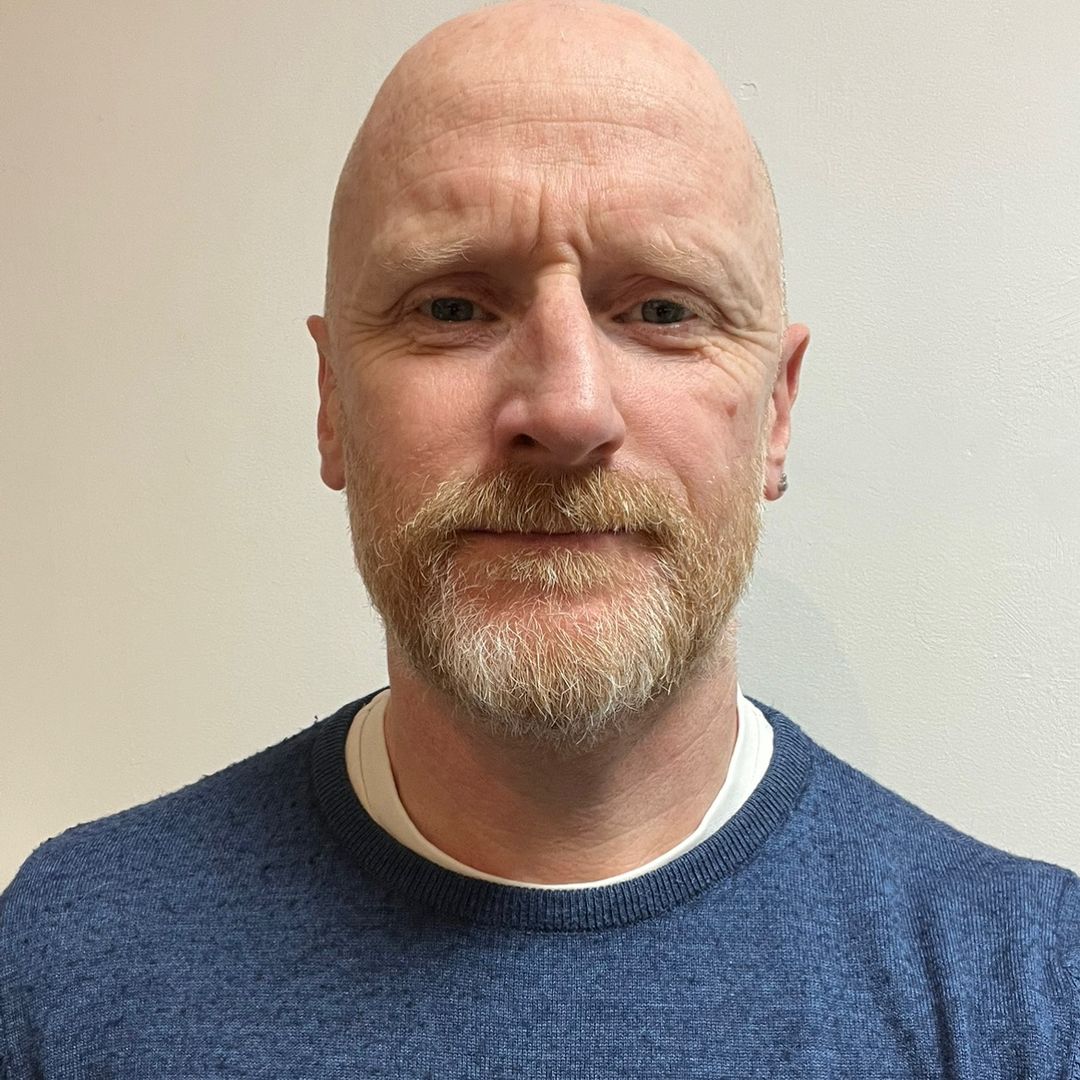
Larry G. Maguire
Work & Business Psychologist | AI Trainer
MSc. Org Psych., BA Psych., M.Ps.S.I., M.A.C., R.Q.T.U
Larry G. Maguire is a Work & Business Psychologist and AI trainer who helps professionals and organisations develop the skills they need to integrate AI in the workplace effectively. Drawing on over two decades in electronic systems integration, business ownership and studies in human performance and organisational behaviour, he operates in the space where technology meets people. He is a lecturer in organisational psychology, career & business coach with offices in Dublin 2.
GenAI Skills Academy
Achieve Productivity Gains With AI Today
Send me your details and let’s book a 15 min no-obligation call to discuss your needs and concerns around AI.